Microsoft Teams Rooms designed, installed and supported by engineers;
from huddle spaces to boardrooms.
Spaces that just work.
Every Time.
Only certified hardware deployed
Advanced Control Systems
Meeting Rooms
Gold-tier Microsoft Partner
12+
Countries Covered


25+
Years Experience
100%
Client Satisfaction
Spaces that
just work.
Every Time.
Official Partners
Microsoft Solutions Partner
Teams Rooms Certified
2000+
Installations Delivered

Crestron Integration Partner
Tell us about your space - we’ll figure out what it needs.
Hybrid work made the
meeting room
Business-Critical.
Recent Installations
Let’s Talk
Why it matters
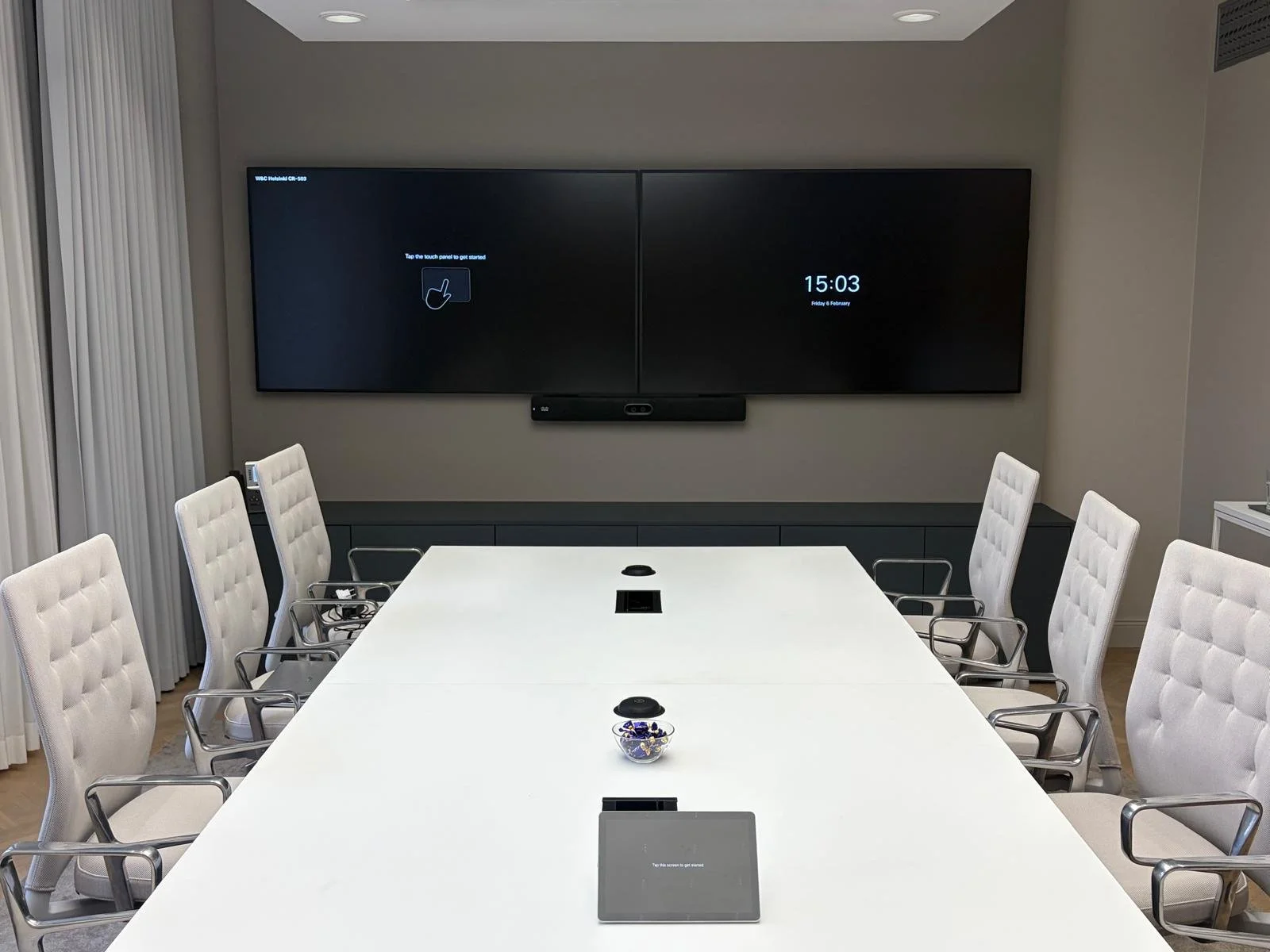
Hybrid work made the meeting room Business-Critical.
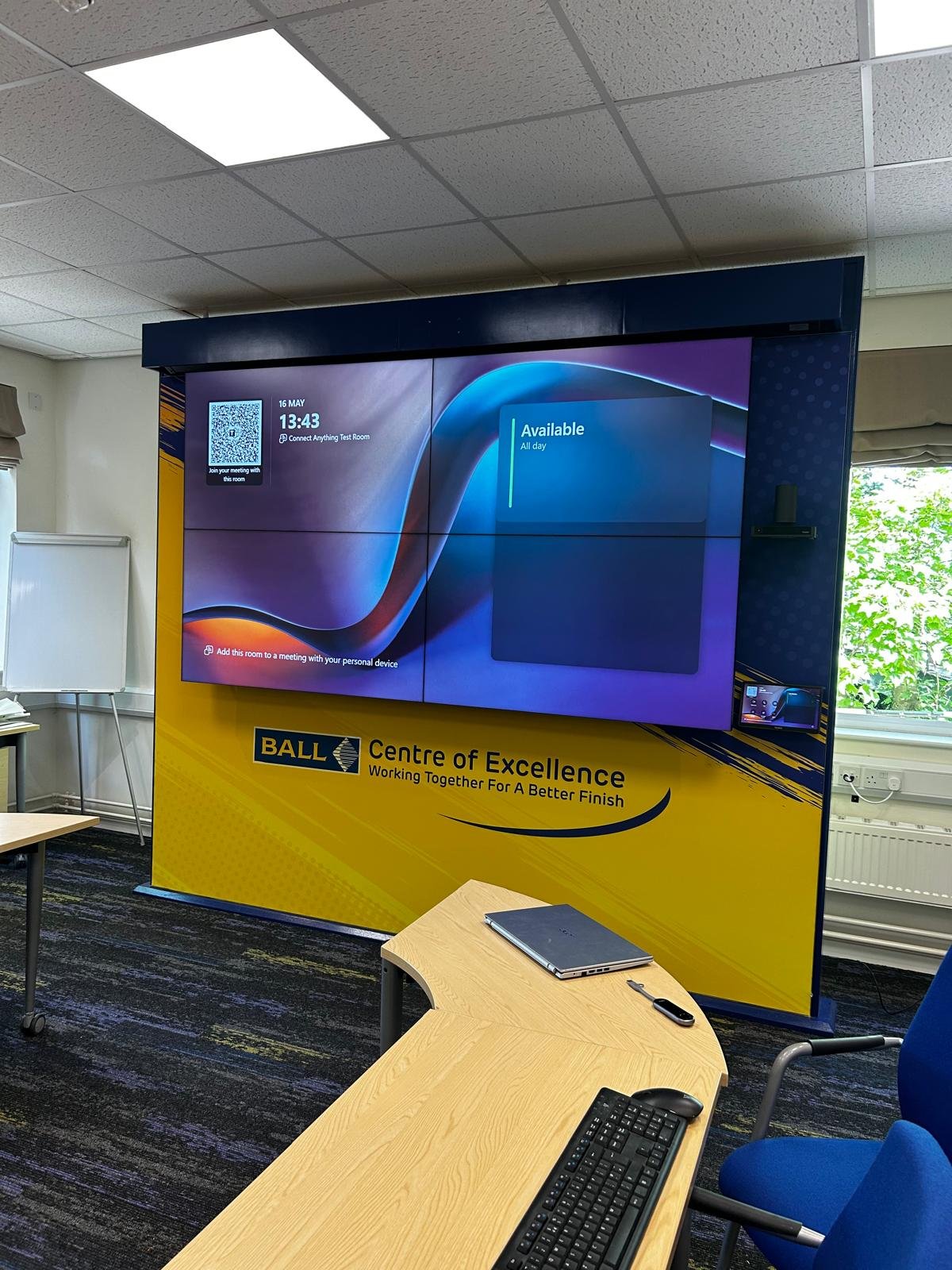
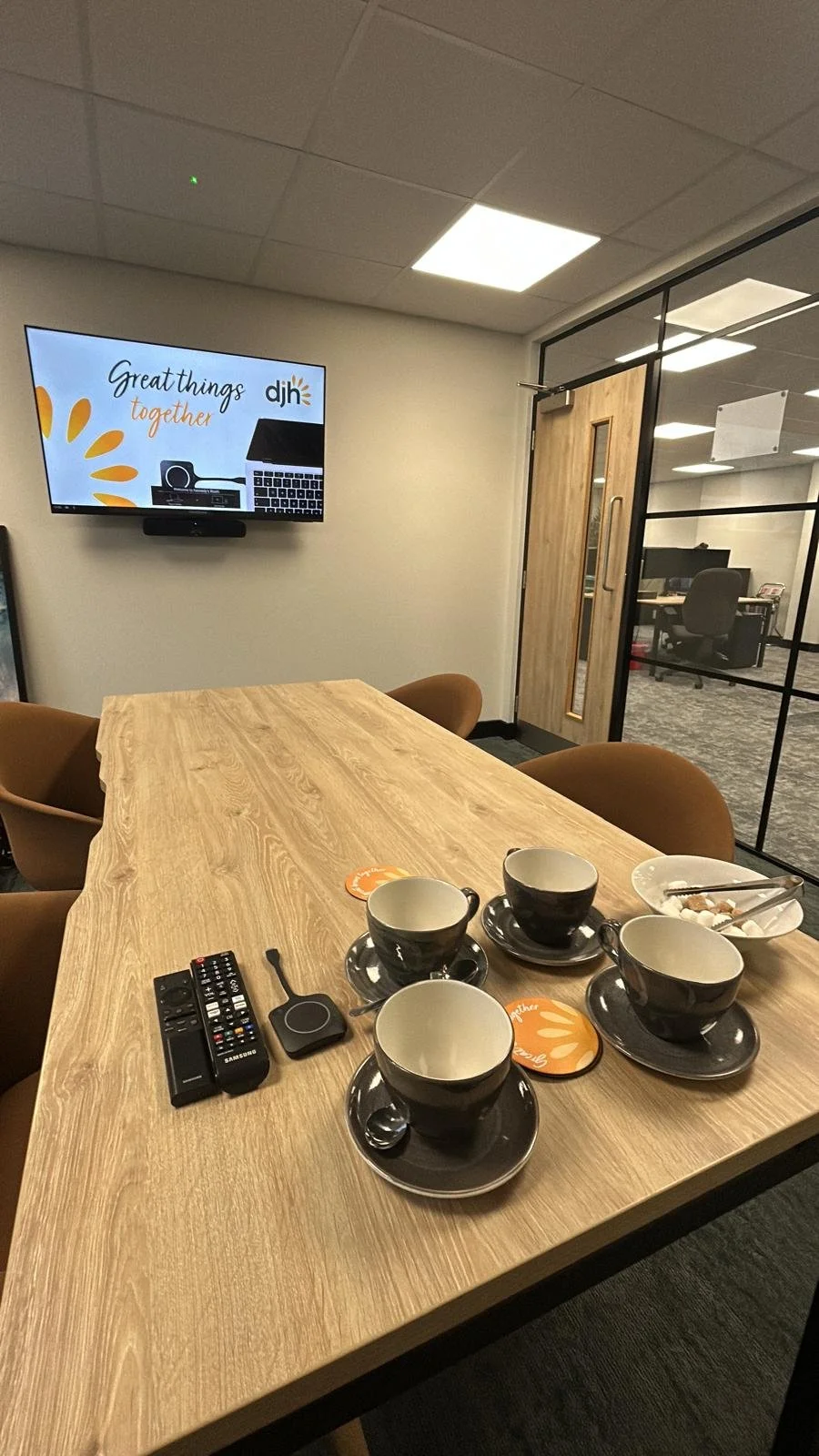
Rooms in the wild
A standardised Microsoft Teams Rooms deployment across your organisation gives every team — wherever they are in the world — the same reliable experience. One-touch join. Clear audio. Cameras that frame the room properly. No technical fiddling at the start of every call.
From a single boardroom to a global rollout of 200 rooms, the engineering principles are the same. Right-sized hardware. Properly mounted. Cable-managed. Acoustically tuned. The fundamentals don't change just because the project gets bigger."
When remote and in-room participants don't feel equal in a meeting, productivity drops, decisions stall, and people stop turning up. A properly engineered room fixes that — not with bigger screens, but with the right hardware in the right configuration, tuned to the space.
A standardised Microsoft Teams Rooms deployment across your organisation gives every team — wherever they are in the world — the same reliable experience. One-touch join. Clear audio. Cameras that frame the room properly. No technical fiddling at the start of every call.
From a single boardroom to a global rollout of 200 rooms, the engineering principles are the same. Right-sized hardware. Properly mounted. Cable-managed. Acoustically tuned. The fundamentals don't change just because the project gets bigger."
At scale, the value of standardisation goes beyond the room itself. A single IT team can monitor every device across the estate from one pane of glass — push updates, reboot a frozen system, swap a camera profile, or pull usage data on which rooms are oversubscribed and which sit empty. The fleet becomes manageable rather than chaotic. When something does go wrong, the fix looks the same in every office, in every country.
Hybrid equity isn't just a buzzword. When a remote attendee can clearly see who's speaking, hear them without strain, and contribute without talking over someone they can't see, the meeting works. When they can't, the in-room conversation dominates and the screen turns into background noise. Speaker-tracking cameras, intelligent microphone arrays, and well-placed displays close that gap — giving the person on the other end of the call a seat at the table, not just a window into it.
And the work doesn't end when the room goes live. Teams Rooms platforms evolve constantly — new features, new firmware, new integrations — and a well-supported deployment evolves with them. We stay close after handover, monitoring performance, advising on upgrades, and making sure each room continues to deliver the experience it was designed for, year after year.
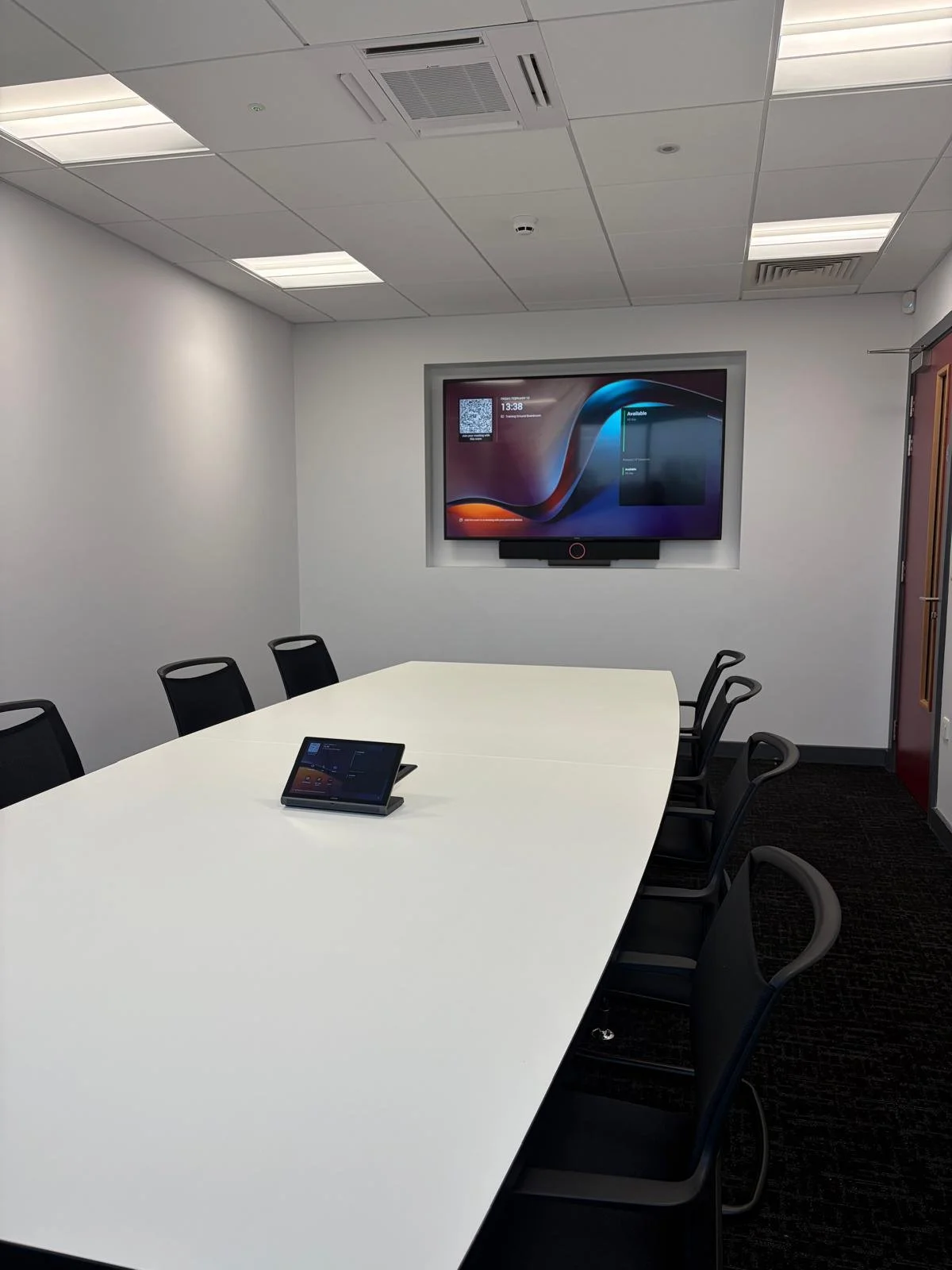
What's inside
A Modern
Meeting Room
-
Teams Rooms Hardware
Only certified displays, compute & Touch Panel
-
Intuitive Content Sharing
Cast effortlessly from any device, wired or wirelessly
-
One-Touch Join
Walk in. Tap once. Meeting starts.
-
Room Booking & Usage Data
Know what's booked, what's used and what's worth it
-
Room-Tuned Audio
Mics, speakers & echo cancellation for the space
-
Intelligent Camera Framing
Auto-tracks speakers, frames the room
The Engineering difference
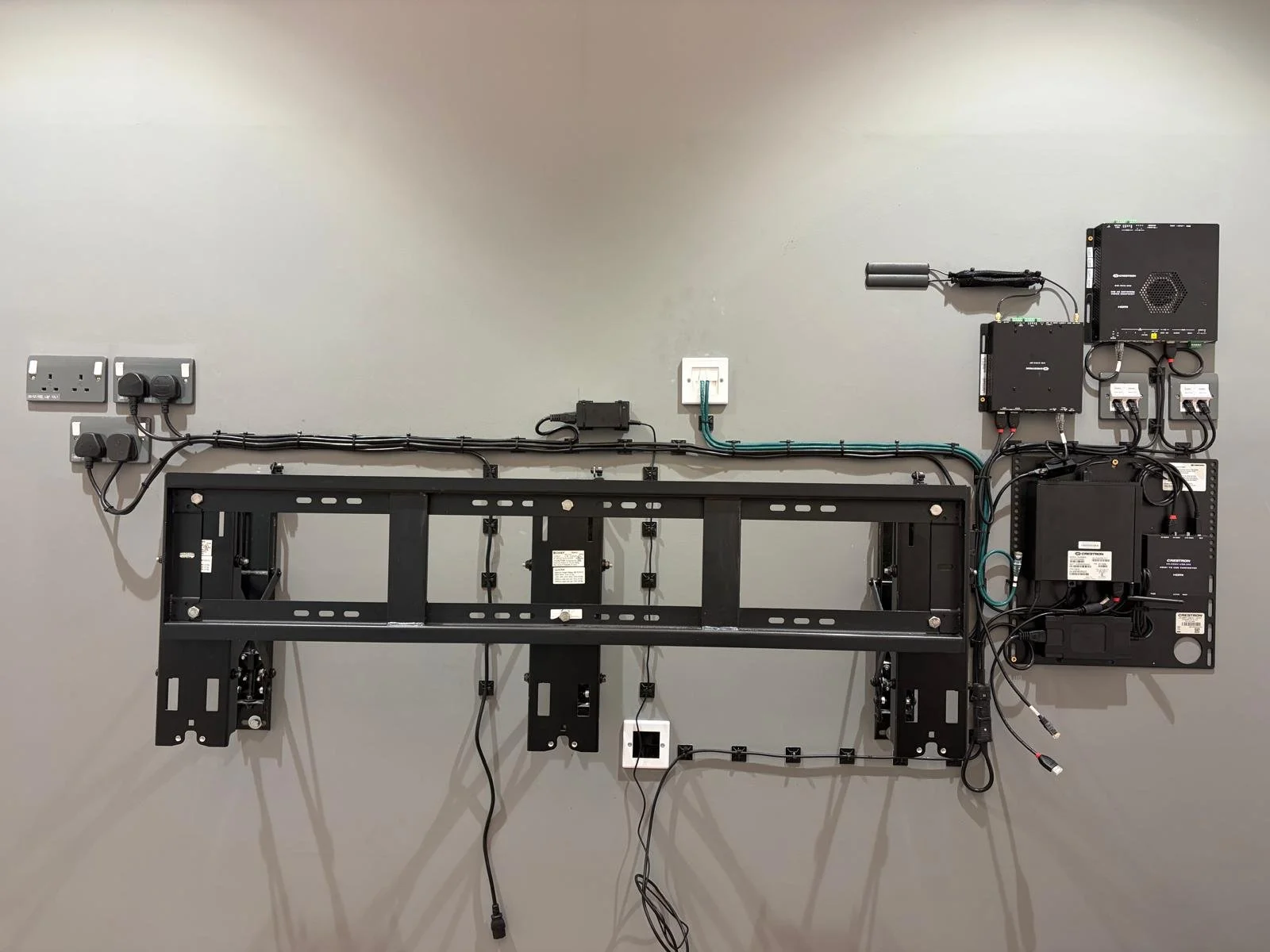
What you see. What you don’t.
Every AV company will show you the finished room. We'll show you what's behind the display too — because that's the bit that decides whether your room still works in year three.